QuickRec on Amazfit watches

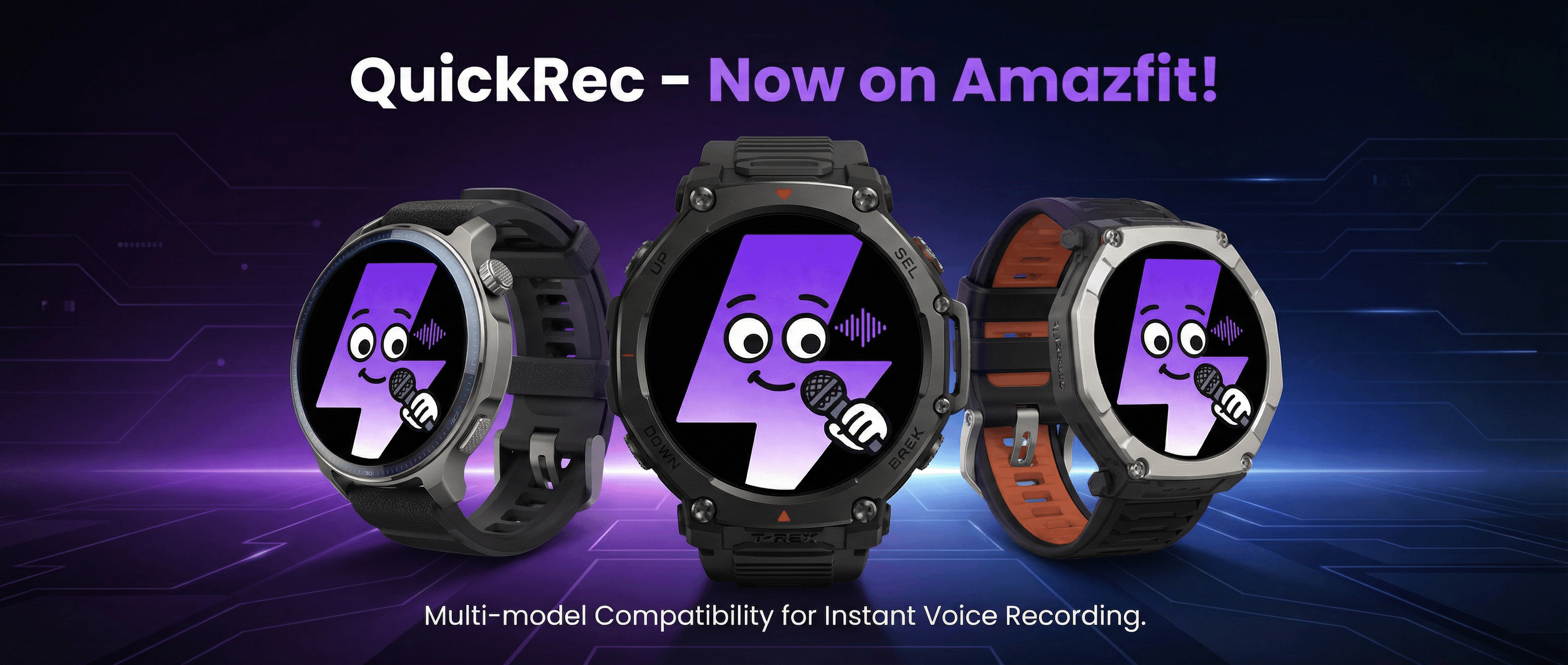
Supports 39+ Amazfit watches

Record on watch. AI writes the notes.

One-tap recording on Amazfit. Cloud-based speech-to-text and AI-generated meeting notes. Bring your own AI provider.

39+ watches
Speech to text
AI meeting notes

How It Works

Three steps to start

01

Pair your watch

Sign up and pair your Amazfit watch with a 6-digit code.
02

Record

Start recording from your wrist. Audio syncs to the cloud automatically.

03

AI generates notes

Auto transcription, AI-powered meeting notes, online playback and download.

Features

Record once. Automate everything.

Record from your wrist

Supports 39+ Amazfit watches. Start recording with a tap — no phone needed, and it works offline too.

Auto cloud sync

Recordings sync to the cloud automatically. Access them from any browser, no cables or manual transfer needed.

Accurate transcription

Our cloud speech engine turns your recordings into searchable text you can read, search, and download.

AI meeting notes

AI automatically distills key points, decisions, and action items from your transcript into structured notes.

Bring your own AI

Connect OpenAI, Claude, or any major AI provider with your own API Key. You control where your data goes.

Privacy & security

Recordings and transcripts are encrypted in transit and at rest. Only you can access them. API Keys are stored encrypted, never in plaintext.

Why QuickRec

39+Amazfit models
Autocloud sync
AImeeting notes
0manual transfer steps

FAQ

Common questions

Which Amazfit watches are supported?
We currently support 39+ Amazfit models, including GTR, GTS, T-Rex, Bip, Falcon, Cheetah, and more. Check the full list on the device pairing page in the app.
How do I pair my watch?
Sign up, then go to the Device Pairing page on app.quickrec.org. Your watch will show a 6-digit pairing code — enter it and you're done in about a minute.
Where is my data stored, and is it safe?
Your recordings and transcripts are stored in your personal cloud account and accessible only to you. All data is encrypted in transit and at rest. We never share or sell your data.
Can I use my own AI provider?
Yes. You can configure your own OpenAI, Claude, or other API Key in the app. Notes are generated by calling your chosen provider directly. Your API Key is stored encrypted and never read or shared by us.
Is QuickRec free?
Sign-up is free. Basic recording sync and transcription are available at no cost. For higher usage or advanced features, check the subscription details in the app.

Get Started

Try it now

Free to sign up. Pair your watch to start recording, transcribing, and generating AI notes.